National Standard GB28181--Local Web Registration Platform
Prerequisites:
- The device network can access the Internet normally, for example: 4G dial-up is successful or wired network routing is successful or WiFi connection is successful, refer to the article introduction of "Function Usage" >>> "Network Function"!
- The device and computer are in the same LAN segment, and the computer can ping the local IP address of the device
Operation steps:
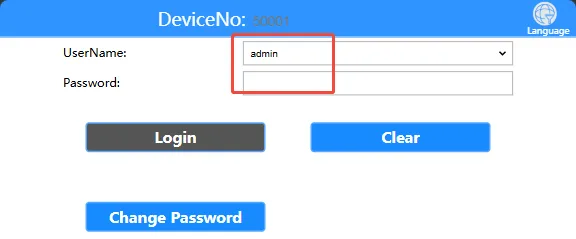
Open your computer's browser and enter the device's local network IP address or AP hotspot address to access the web login interface. Enter the login password "Adm_123" and click "Login". To view the device's local network IP address, refer to the article "Function Usage" >>> "Network Functions"

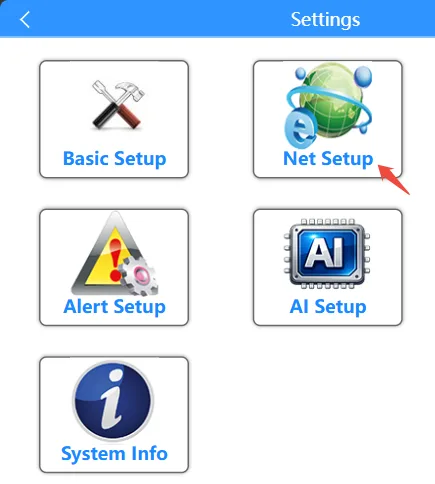
Enter the username and password on the login page to access the settings page. Default username: admin, default password: Adm_123 3. Click on the settings page. Normal Settings >> Network Settings Enter the network settings interface
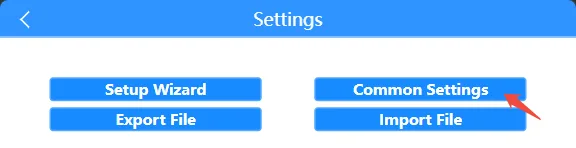
On the settings page, click General Settings >> Network Settings to enter the network settings interface.
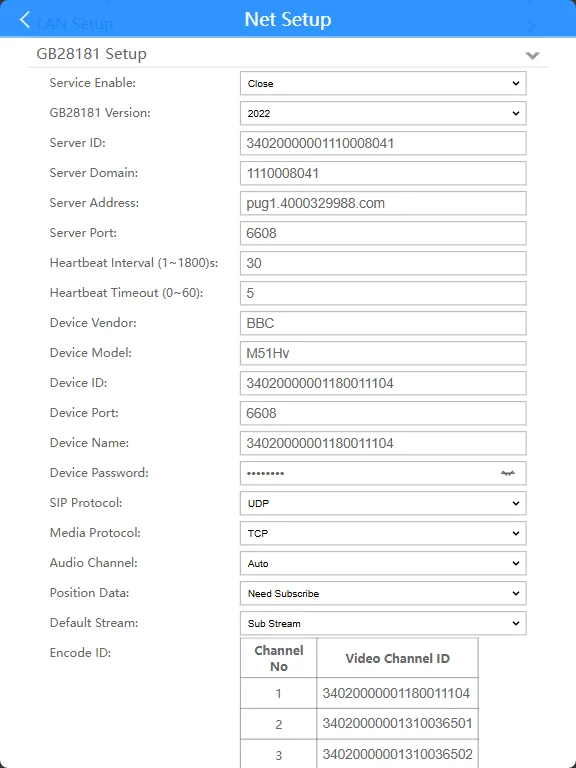
fill in the parameters such as “Open function” “Server IP” “Server port” “Authentication username” “Authentication password”
Click on the settings page General Settings >> System Information Enter the system information interface
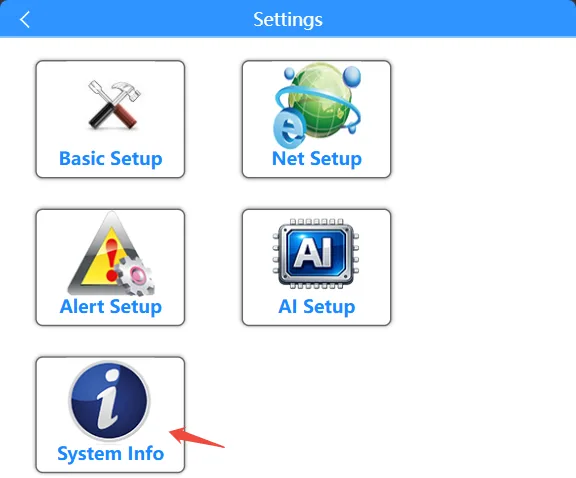
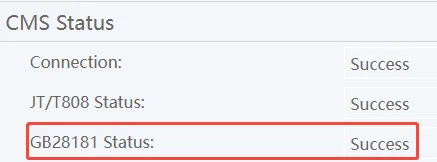
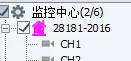
Enter the device system's WEB interface to check if the connection is successful, or check if the platform is online