Problem Description: Previously, the MDVR series products had a bug related to the deletion of FLASH language space. This caused issues when changing the UI interface (e.g., configuring French, saving, and restarting) and not using Chinese or English, resulting in the device being stuck in the LOADING state, as shown in the image below:

Solution: Preparation:
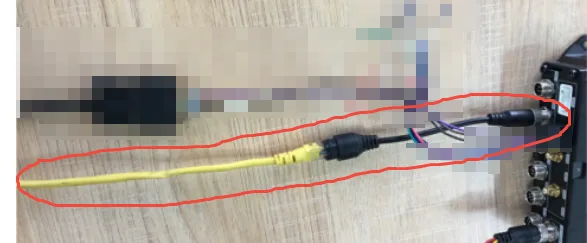
Connect an MDVR device with a network port to a network adapter cable and a network cable, as shown in the image.
A computer with a network port and its local network port set to the 192.168.1 range, for example, 192.168.1.170
Start Operation:
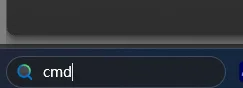
Connect the network cable directly to the computer and power on the device. Then open a CMD window on the computer.
Copy and enter "Telnet" 192.168.1.188" Enter
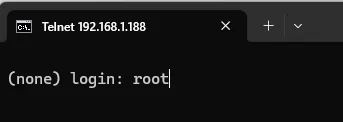
Enter username root and password. Ask our technical or business personnel for password assistance.
Continue copying and entering "rm -f /mnt/DB/config.xml /mnt/DB/M51H_cfg.db /mnt/user/config.xml" Enter
Copy and enter "reboot" again. Press Enter. If the system restarts and disconnects during this process, please repeat steps 1-5 to complete the operation.

Enter the reboot command. After restarting, the system will start and run correctly.