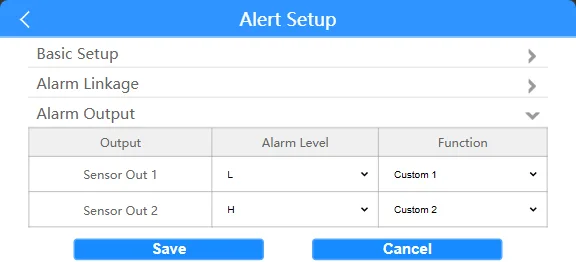
Prerequisites:
- The device and computer must be on the same local area network segment, and the computer must be able to ping the device's local IP address.
Operation Steps:
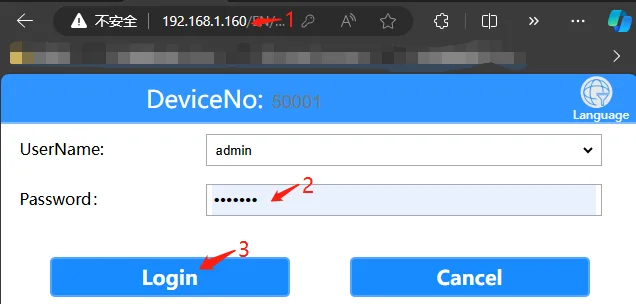
Open your computer's browser, enter the device's local network IP address, and enter the login password "Adm_123". Click "Login". For the device's local network IP address, refer to the article "Function Usage" >>> "Network Functions" for details.
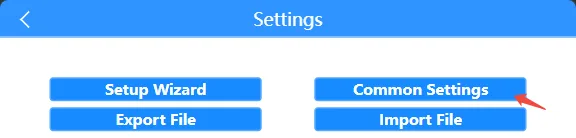
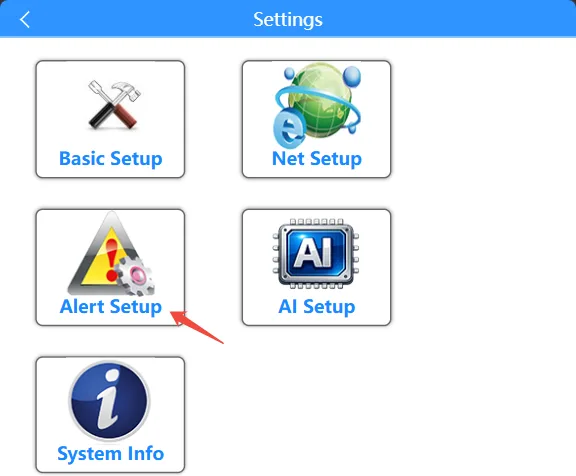
Click "General Settings" >>> "Alarm Settings" to access the alarm function configuration interface.
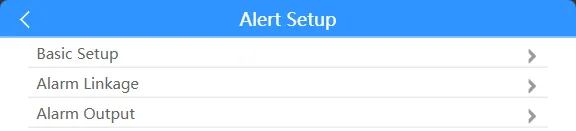
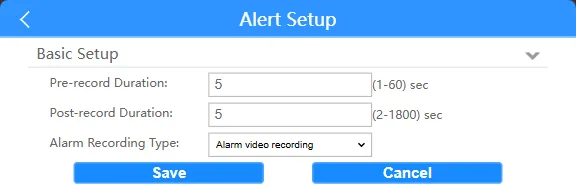
Click the "Basic Settings" tab to configure the duration of the device's alarm recording file (pre-recording duration before alarm + delayed recording duration after alarm = alarm recording duration)
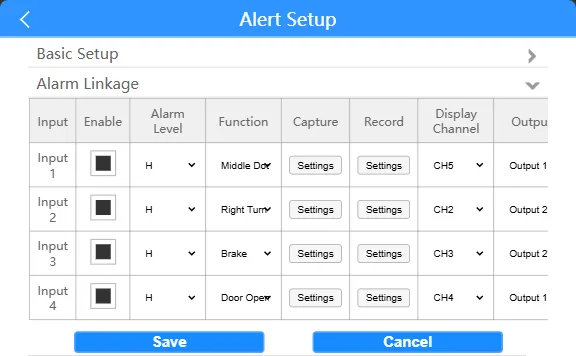
Click the "Alarm Linkage" tab Configure the device's IO alarm input switch, trigger high/low level, function, linkage image capture channel and upload, linkage alarm video channel and upload, linkage device display screen local magnification channel, and linkage device alarm output (upload here refers to the TTX Tongtianxing private platform)
Click the "Alarm Output" column to configure the device's alarm output line sensor out level and function