Prerequisites:
- Display, remote control, storage media (SD card, hard disk, etc.)
Operation steps
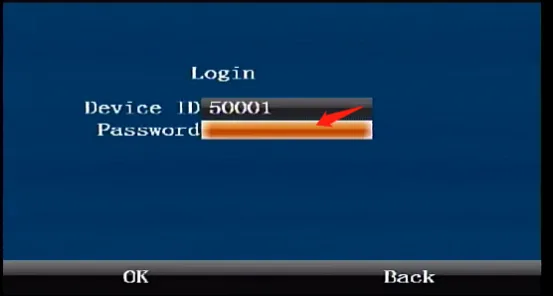
Press the remote control [ENTER] button to enter the login interface, enter the password "999999", and automatically log in to the main menu
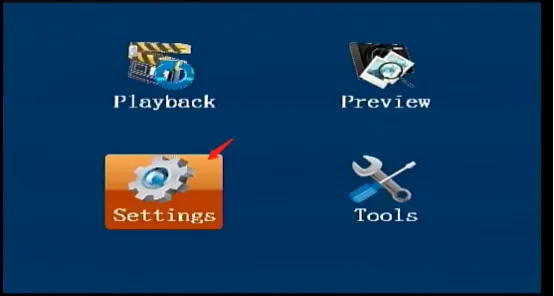
Select [Settings] on the main menu interface and press the "ENTER" button to enter the settings interface
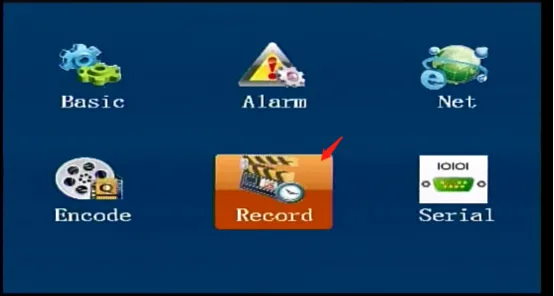
Select [Record] in the [Settings] interface, and press the "ENTER" key to enter the recording settings interface
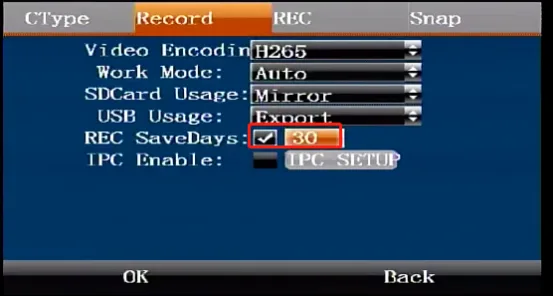
Select [Record] in the [Recording Settings] interface to enter the recording interface, check the number of days to save the recording, set the required number of days, and press OK to save and take effect.