Why does the remote control operation fail to enter the menu and it leads to a certain AI function calibration menu? As shown below:
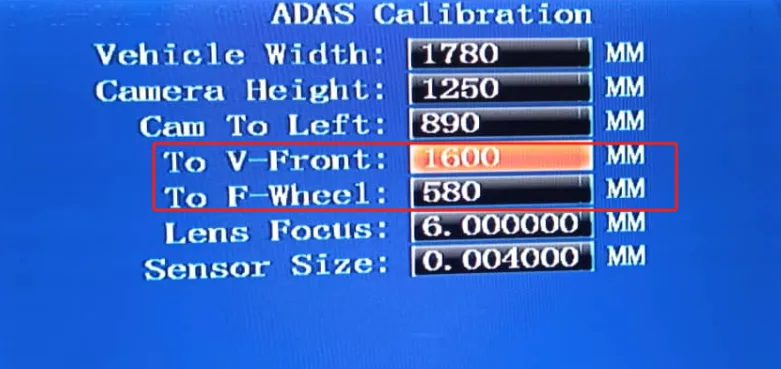
Troubleshooting steps:
Press the "RETURN" key several times on the remote control to return to the main interface of the real-time screen. Press the 0 key to switch to all channel screens, and press the "ENTER" key again to enter the menu. Still not working, check the steps below
Check whether AI is enabled and only one video channel is opened. Re-import the factory configuration or issue the configuration online to open multiple channel interfaces.
Follow step 1 again