Prerequisites:
- Prepare the matching AI model and enable the corresponding AI function
Operation steps:
Download this configuration file template Click to download the configuration file compressed package config.zip Local decompression
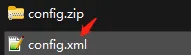
Open the text editing tool and fill in the speed threshold on the right. For the specific meaning of the fields, refer to the parameter notes below:
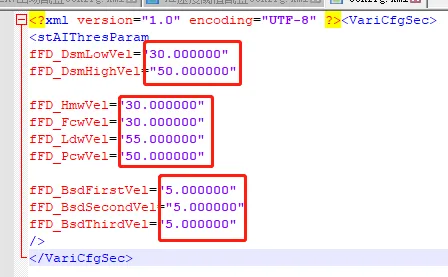
fFD_DsmLowVel;DSM alarm low speed threshold, unit km/h default 30 fFD_DsmHighvel;DSM alarm high-speed speed threshold, unit km/h default 50
fFD_Hmwvel;HMW alarm speed threshold, unit km/h 30.00 fFD_Fcwvel;FCW alarm speed threshold, unit km/h 30.00 fFD_Ldwvel;LDW alarm speed threshold, unit km/h 55.00 fFD_Pcwvel;PCW Alarm speed threshold, unit km/h 50.00
fFD_BsdFirstvel; BSD first-level alarm speed threshold, unit km/h 30.00 BSD algorithm library is not used fFD_BsdSecondvel; BSD second-level alarm speed threshold, unit km/h 30.00 fFD_BsdThirdvel; BSD third-level alarm speed threshold, unit km/h 30.00
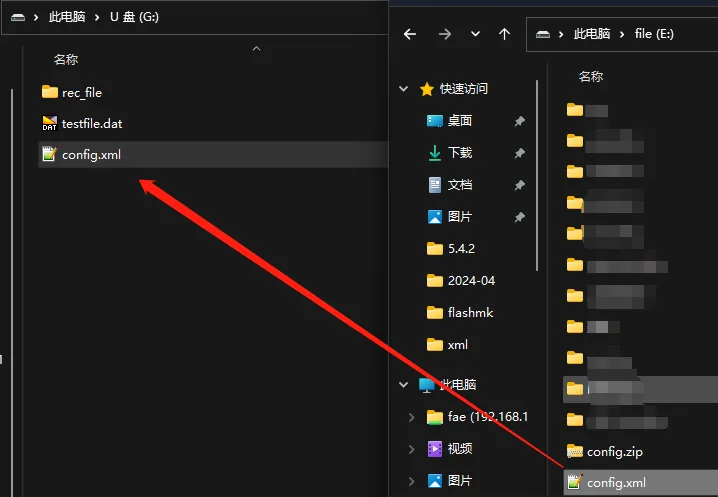
Unlock the device and remove the hard disk or SD card storage, use a hard disk reader or SD card reader to insert it into the computer, and open the root directory of the first storage partition

Copy the config file you just edited and saved to this directory, disconnect the device, insert the device and lock it
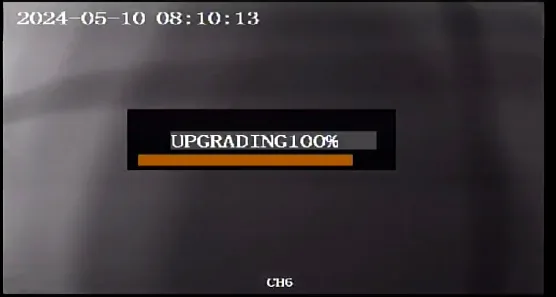
When the device is powered on, it will automatically import the configuration and restart. The configuration will take effect after the restart