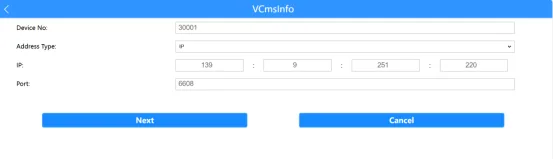
Two ways to connect to AP hotspot
It already supports AP mode, switch to AP mode to connect;
When there is no WIFI module in the vehicle device, you can insert E-set into the USB port to configure AP hotspot. In addition, the host M10C does not support WIFI and AP hotspot. The following will take the second point as an example to explain step by step!
Insert E-set for AP hotspot
WIFI model equipment
- Prepare an E-set, a device that supports AP hotspot
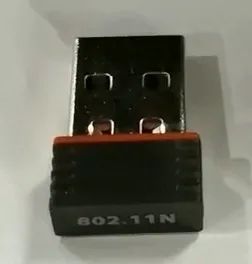
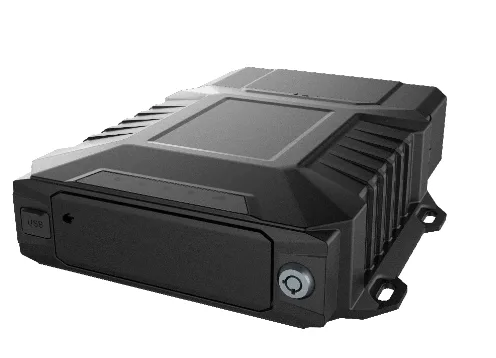
Status of WIFI module before E-set is inserted Display

After inserting E-set into the USB port, the status of the WIFI module is displayed

Turn on the mobile phone WIFI and search for MDVR111111AP hot Click, connection password: 99999999
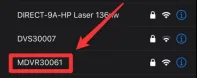
After connecting to the AP hotspot: open the mobile browser, enter 192.168.42.100, and log in Password: Adm_123

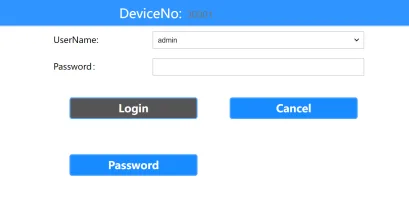
- The interface after login is the device system WEB configuration parameter interface, such as registration CMSV7 platform, system status, etc.