Prerequisites
- Available remote control, normal display screen
Operation steps
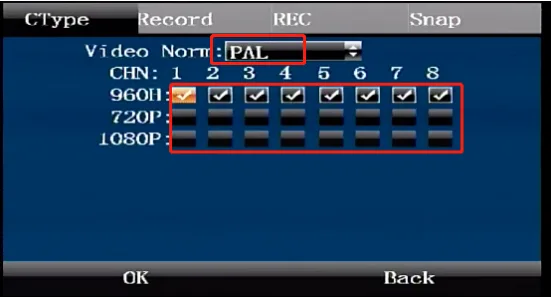
Please be sure to verify the hardware resolution and format parameters of the camera before setting (as shown in the figure). If the hardware resolution, format and device configuration of the camera do not match, the camera will not display the image.
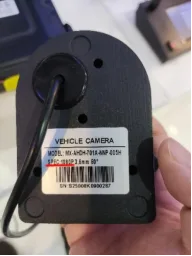
Camera label parameter diagram ps: Most parts of China use the PAL format, while Japan, South Korea, Southeast Asia and the United States and other European and American countries use the NTSC format. The specific parameters are subject to the actual purchased camera.
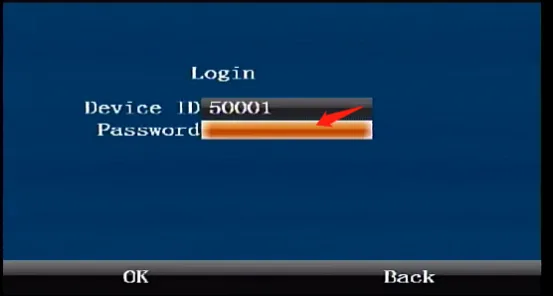
Press the middle "ENTER" confirmation button on the remote control to enter the login interface and enter the default administrator password "999999"
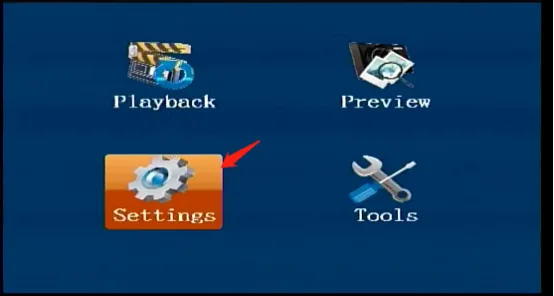
Click [Settings] = [Recording Settings], and press the remote control "ENTER" to enter.
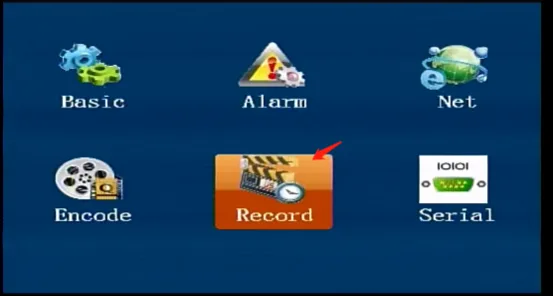
Select the corresponding camera format and check the resolution parameter. After setting, click [OK].
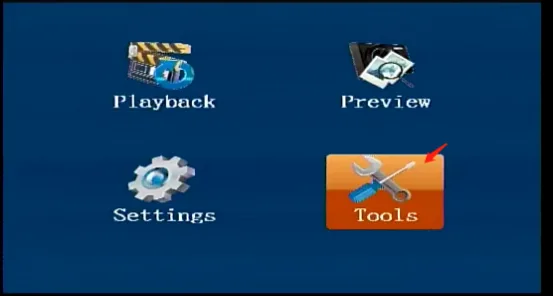
Return to the first level menu [Tools] = [Operation Management]
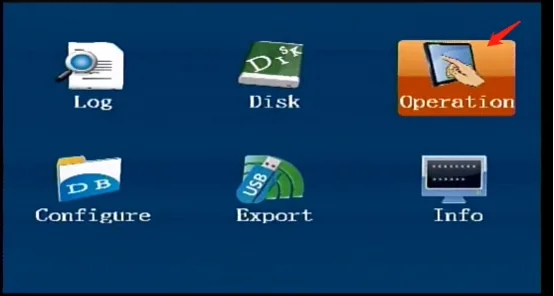
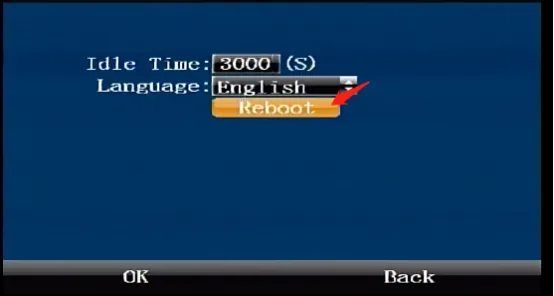
After selecting the [Restart] button, click [Agree] and the system will restart and the resolution setting will take effect.