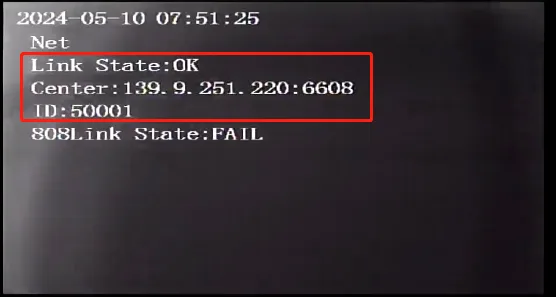
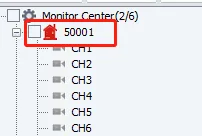
Prerequisites:
- The device network can access the Internet normally, for example: 4G dial-up is successful or wired network routing is successful or WiFi connection is successful, refer to "Function Usage" >>> "Network Function" article introduction!
Operation steps:
The device is issued through local tools, remote plug-ins, etc. For specific methods, refer to the "Function Use" >>> "Configuration Tool" article introduction
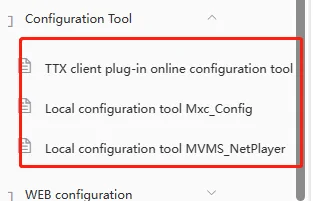
Copy the parameter instructions of the registration platform and issue them. For specific instructions, refer to the Common Configuration Parameter Instructions article introduction
<VariCfgSec Action="DEVICE_SET"><stBaseInfo strFD_DeviceNo="111111"/> <stCMS ucFD_AddressType="0" uiFD_IP="" strFD_Domain="" usFD_Port="6608" /></VariCfgSec>
Parameter Notes: strFD_DeviceNo="111111":Device number; ucFD_AddressType="0":Connection type IP registration;"1"Domain registration; uiFD_IP="":Registered IP address; strFD_Domain="hy.ent.cn":Registered domain name address; usFD_Port="6608":Registered port
It takes effect immediately after being successfully issued, and no restart is required
Check whether the registration is successful locally or check whether the platform is online